Compare AI Video Models — Which One Should You Pick?
Six image-to-MP4 models · one credit balance · no subscription
"Which AI video model is best?" is the wrong question — the same photo can look great in Kling and wrong in Veo, and vice versa. The honest answer depends on your image and what you’re making. This page lays out what each of the six models on ImageToMP4 is actually good at, what it costs, and how to choose — and lets you run the same image through any of them on one balance, which is the only comparison that really settles it.
The comparison table
Specs below are the live settings on ImageToMP4 (verified October 29, 2026). Costs use the Starter rate of 8.61¢/credit; longer or higher-resolution renders scale up, and the exact total is always shown before you generate.
| Model | Best for | Audio | Max length | Resolution | Base cost | Speed |
|---|---|---|---|---|---|---|
| Grok Imagine 1.5 | Fast drafts, memes, fun | Native, free | 10s | 480p–1080p | ⚡25 ($2.15) | Fastest |
| Kling 2.6 | Cinematic motion, people | Optional (2× tier) | 10s | 720p | ⚡20 ($1.72) | Fast |
| Veo 3.1 Fast | Realism, portraits, keepsakes | Native (4K tier) | 8s | 720p / 4K | ⚡25 ($2.15) | Moderate |
| Vidu Q4 | Longer storytelling clips | Native, free | 16s | 720p–4K | ⚡30 ($2.58) | Fast |
| Seedance 2.5 | Long-form up to 30 seconds | Native, synced | 30s | 480p / 720p | ⚡65 / 5s ($5.60) | Slower (long clips) |
| Seedance Mini | Budget everyday clips | Native | 10s | 480p / 720p | ⚡20 ($1.72) | Fast |
Base cost = each model's shortest default clip (all ⚡ figures are per 5s at default settings unless noted). A full 30-second Seedance 2.5 clip in 480p costs ⚡365; longer durations and higher resolutions cost more — the exact total is always shown before you generate.
Which model should I pick?
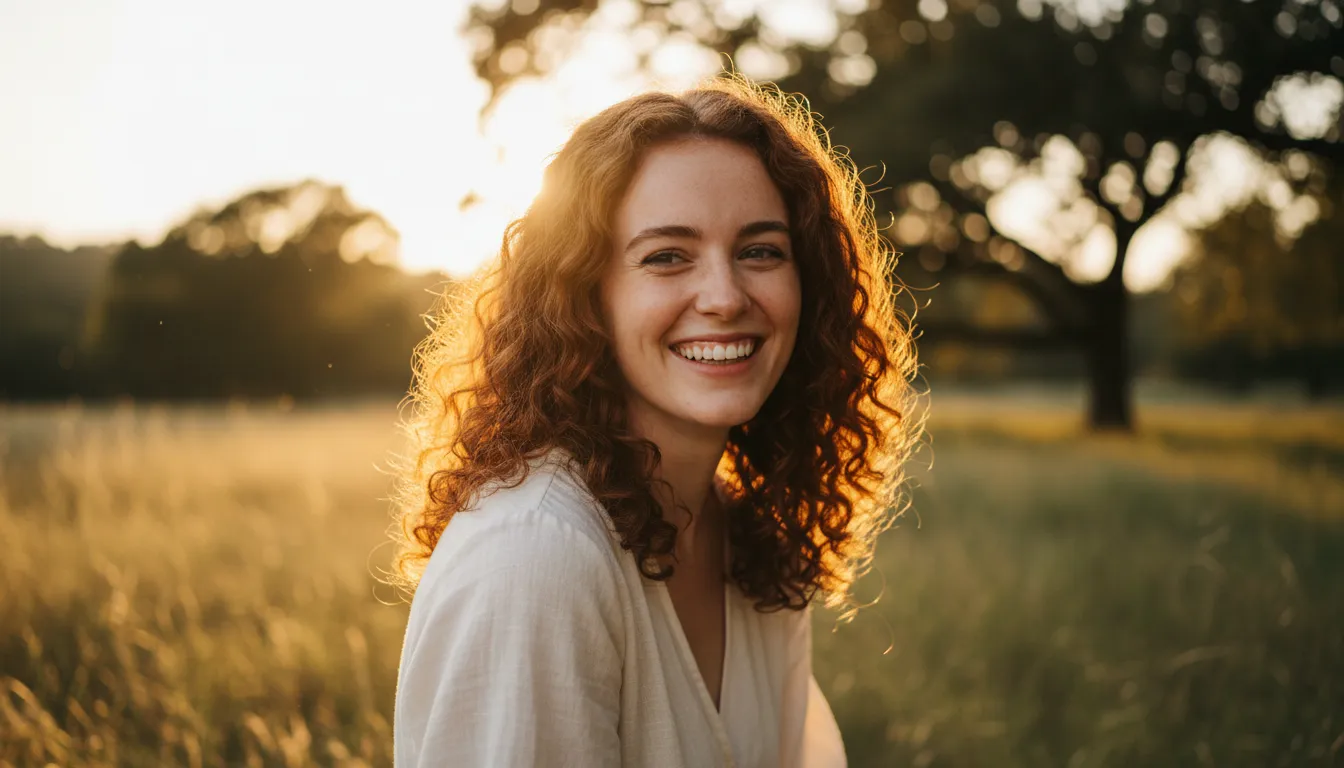
Spec pick: Veo's 4K tier preserves the most close-up detail. Kling 2.6 is the cheaper starting point — verify on your own photo, we have not run side-by-side tests.
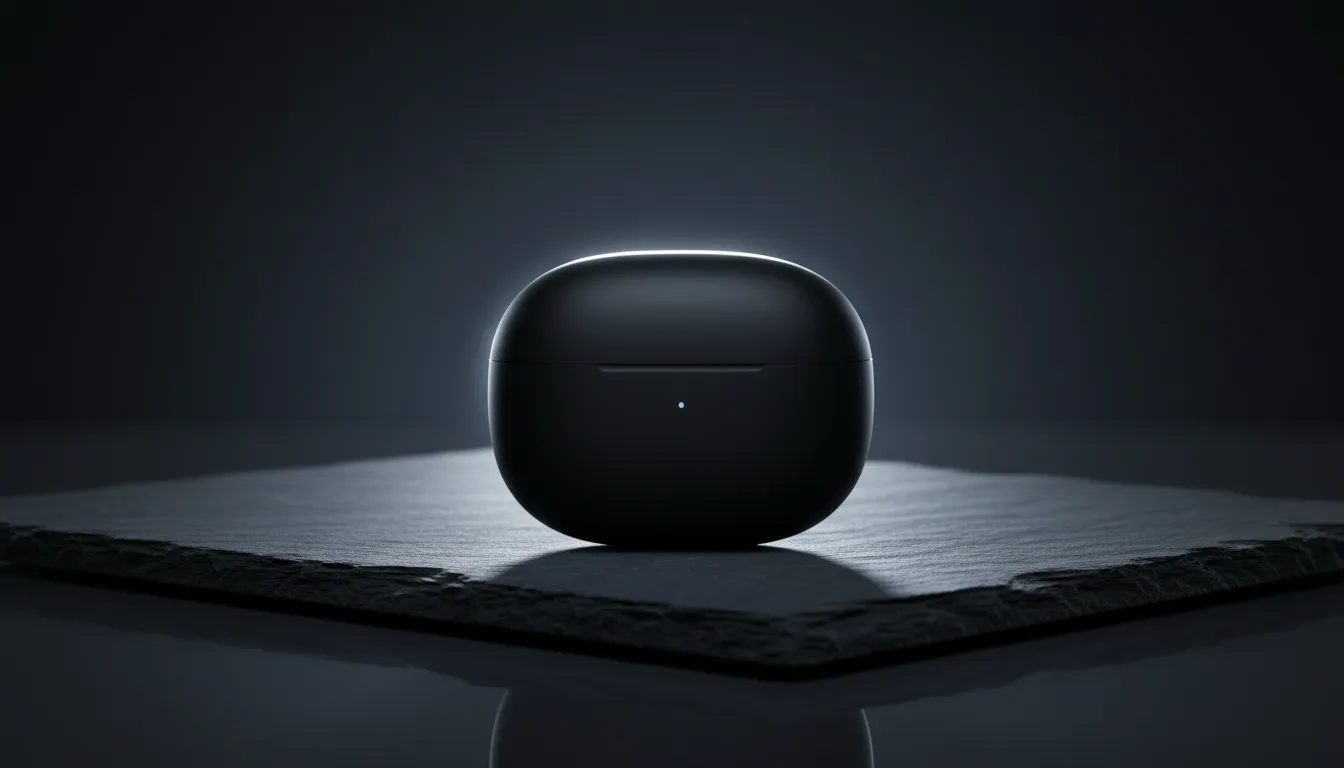
Strong prompt adherence keeps labels and edges stable on a slow camera move, at the lowest HD price (⚡20).
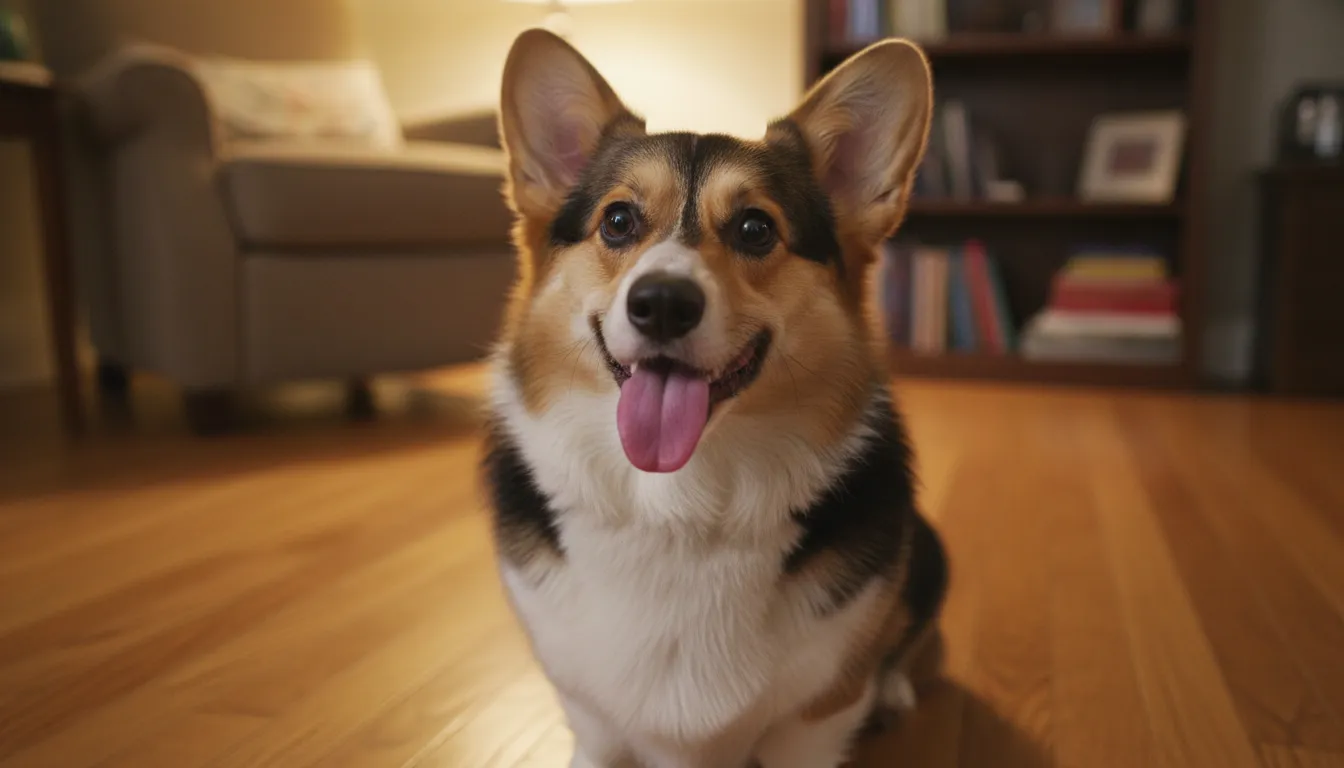
Fur motion reads naturally at 720p; if you're iterating on many takes, Seedance Mini halves the cost.
16-second window gives clouds and light time to develop; 4K option for big screens.
The only model here that goes to 30 seconds in one clip, with synced audio.
Fastest turnaround and loose, expressive motion — ideal when you'll post the funniest take, not the cleanest.
A pattern to notice: Kling 2.6 and Seedance Mini at ⚡20 cover most everyday jobs, Veo 3.1 is worth the upgrade when the image itself is the point, and Vidu Q4 / Seedance 2.5 exist for length. Grok Imagine wins on iteration speed.
How a fair comparison works — one real example
The only comparison that settles "which model is best for my photo" is the one you run yourself: same image, same prompt, multiple models, one balance. Here is what that looks like with a real generation from this site — input illustration on the left, Kling 2.6 output on the right:
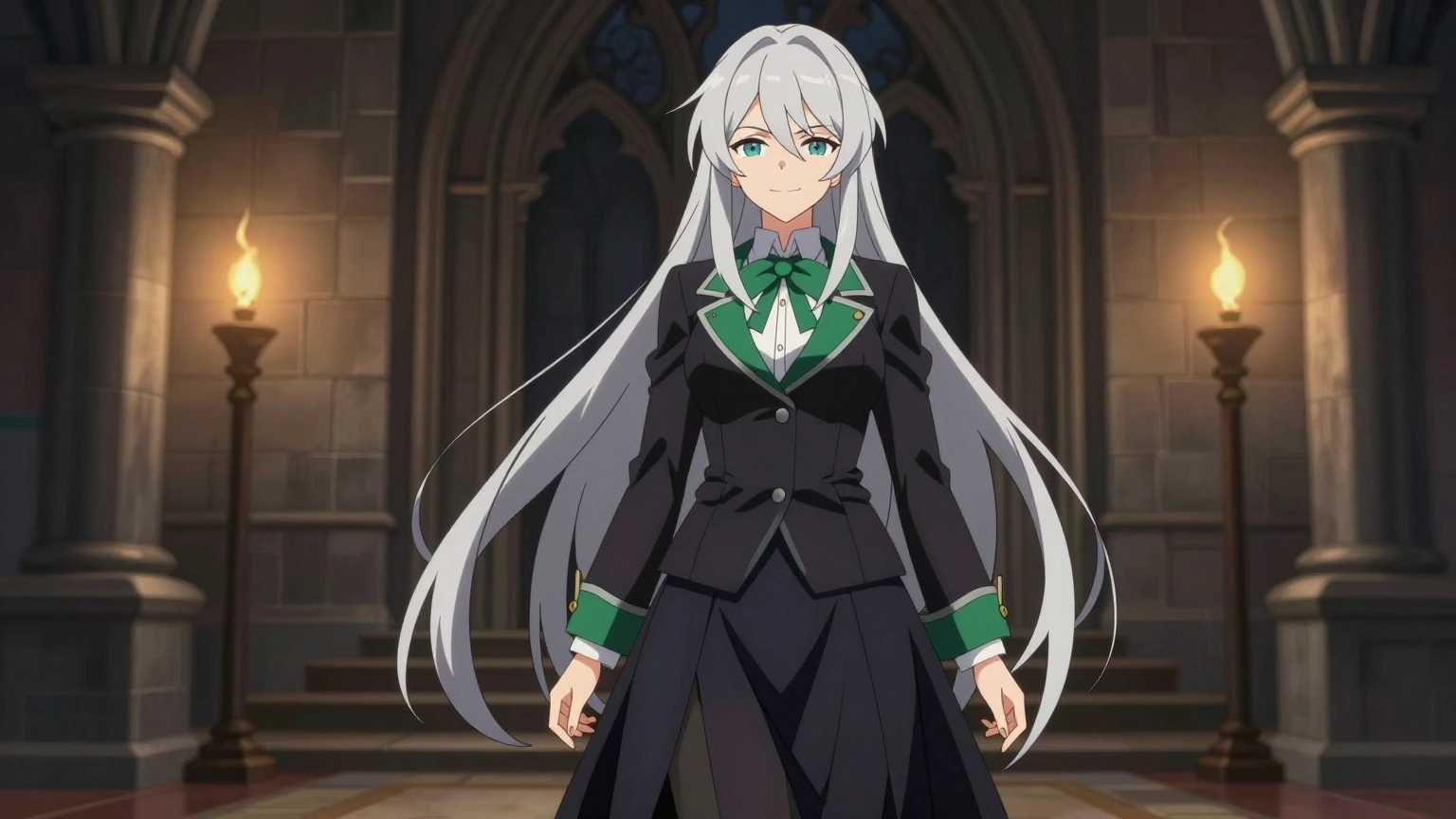 Input — one illustration
Prompt: The confident silver-haired witch flips her long hair, smirks at the camera and struts forward, dark candle-lit corridor, cinematic anime style. Run the same prompt on Veo 3.1 or Seedance and you have a controlled A/B on your own balance. We are also preparing a published side-by-side benchmark — the same ten images through all six models with public prompts, costs, and the failures included. Until then we deliberately crown no overall winner, and we’d caution you to treat any site that does with skepticism.
Real runs by scenario — five real examples, one site
Different photos want different things: a pet must keep its markings, a product must not warp, a valley just needs moving mist. Each tile below is one real generation run on ImageToMP4 — input photo, verbatim prompt, actual credits. The scene pages break down prompt craft and failure modes for each scenario.
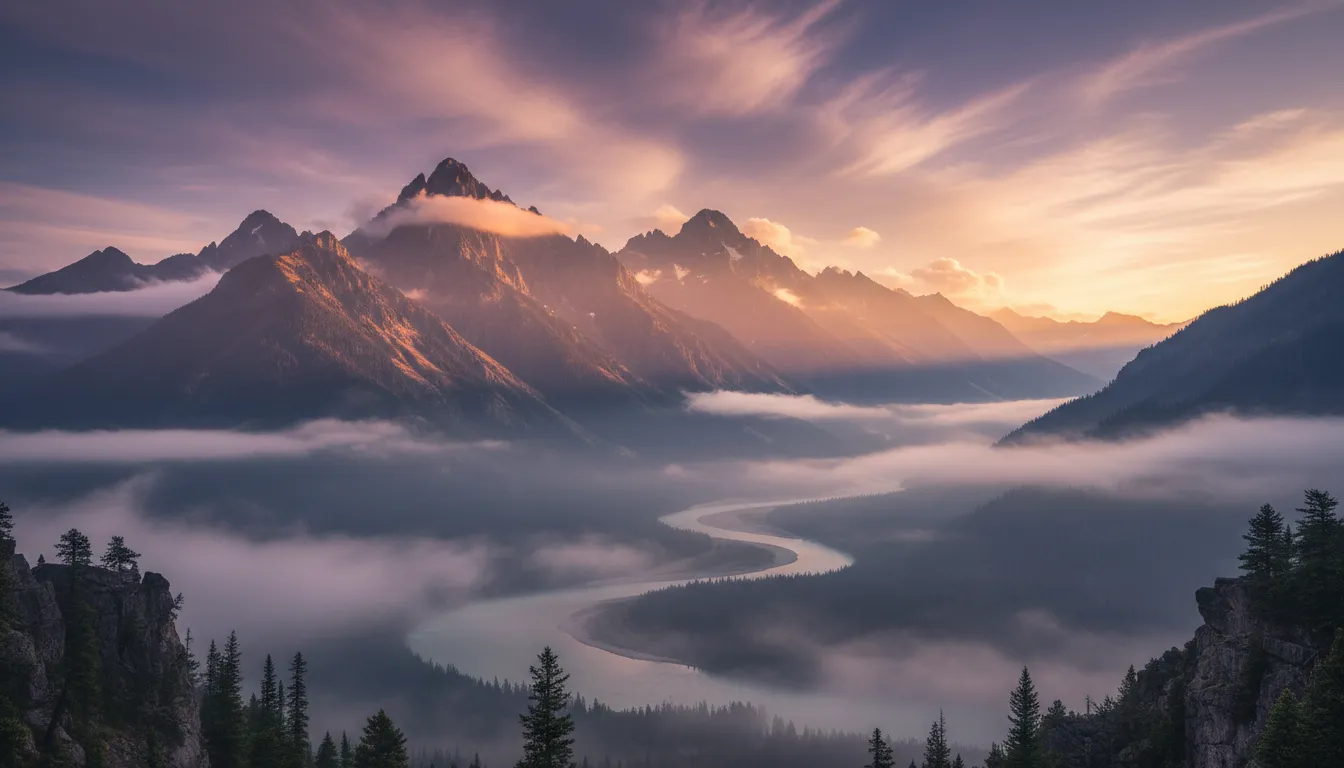
The fifth scenario — illustration — is the witch example at the top of this page (Kling 2.6, ⚡20). Same-run evidence rule applies everywhere: one real run is one data point, never a crown.
Compare them yourself — on one balance
That’s the point of ImageToMP4: six models, one interface, one-time credits from $5.90, no subscription. Sign up free, get ⚡15 welcome credits, and A/B your own image across models.
Frequently asked questions
What is the best AI image-to-MP4 model?
There is no single winner — it depends on your image and what you mean by "best". Based on model specs (not our benchmark — we have not run same-image tests across all six): for realism, Veo 3.1 is Google's flagship tier; for cinematic motion on a budget, Kling 2.6 at ⚡20; for long 30-second clips, only Seedance 2.5 goes there; for the cheapest usable clip with audio, Seedance Mini. The honest way to decide is to run the same image and prompt through two models and compare — which is exactly what this site lets you do on one credit balance.
Which is better, Kling or Veo?
They trade wins. Kling 2.6 costs less (⚡20 vs ⚡25 at default), renders at 720p, and is strong at prompt adherence and natural motion. Veo 3.1 Fast is the pick when image fidelity matters most — sharper faces, better light, and a 4K option Kling does not offer. For a keepsake portrait we would spend the extra 5 credits on Veo; for testing ten prompt ideas fast, Kling.
What is the best alternative to Kling?
On ImageToMP4 you can try Grok Imagine 1.5, Veo 3.1, Vidu Q4, Seedance 2.5, Seedance Mini — plus Kling 2.6 itself — on the same balance without a subscription. Vidu Q4 is the closest "different take" (16s clips, 4K); Seedance Mini is the cheaper route (⚡20 with audio).
Which AI MP4 generator supports multiple models?
ImageToMP4 does — six of them behind one interface and one credit balance: Grok Imagine, Kling 2.6, Veo 3.1, Vidu Q4, Seedance 2.5 and Seedance Mini. You switch models per generation; there is no separate subscription per model.
How much does each model cost per video?
At default settings: Kling ⚡20 and Seedance Mini ⚡20, Grok ⚡25, Veo ⚡25, Vidu ⚡30, Seedance 2.5 ⚡65. At the Starter rate (8.61¢/credit) that is $1.72–$5.60 per clip, scaling with duration and resolution. Failed generations refund automatically.
How can I compare AI video models fairly?
Use the same source image, the same prompt, and similar duration. Compare facial stability, prompt adherence, and artifacts — not unrelated showcase clips. We are preparing a same-image benchmark page with public prompts and per-model outputs; until then, treat any site-wide "best model" claim (including ours) with caution.
Disclosed: written by the team behind ImageToMP4. Model specs verified against live settings on October 29, 2026; benchmark videos cited only once published.